Choose what to block
Pick apps, whole categories, or websites with Apple’s Screen Time picker. Unplug never sees which apps you chose; iOS hands it opaque tokens.
Unplug turns a small NFC tag into a switch for the apps that pull you in. Tap your iPhone on the tag at your desk or by your bed and those apps are blocked. Tap it again when you’re ready to come back. Because the tag stays where you put it, you have to get up and go to it to undo blocking.
Pick apps, whole categories, or websites with Apple’s Screen Time picker. Unplug never sees which apps you chose; iOS hands it opaque tokens.
Any NTAG213, 215, or 216 sticker, card, or key fob works. Scan it once in the app and Unplug remembers it.
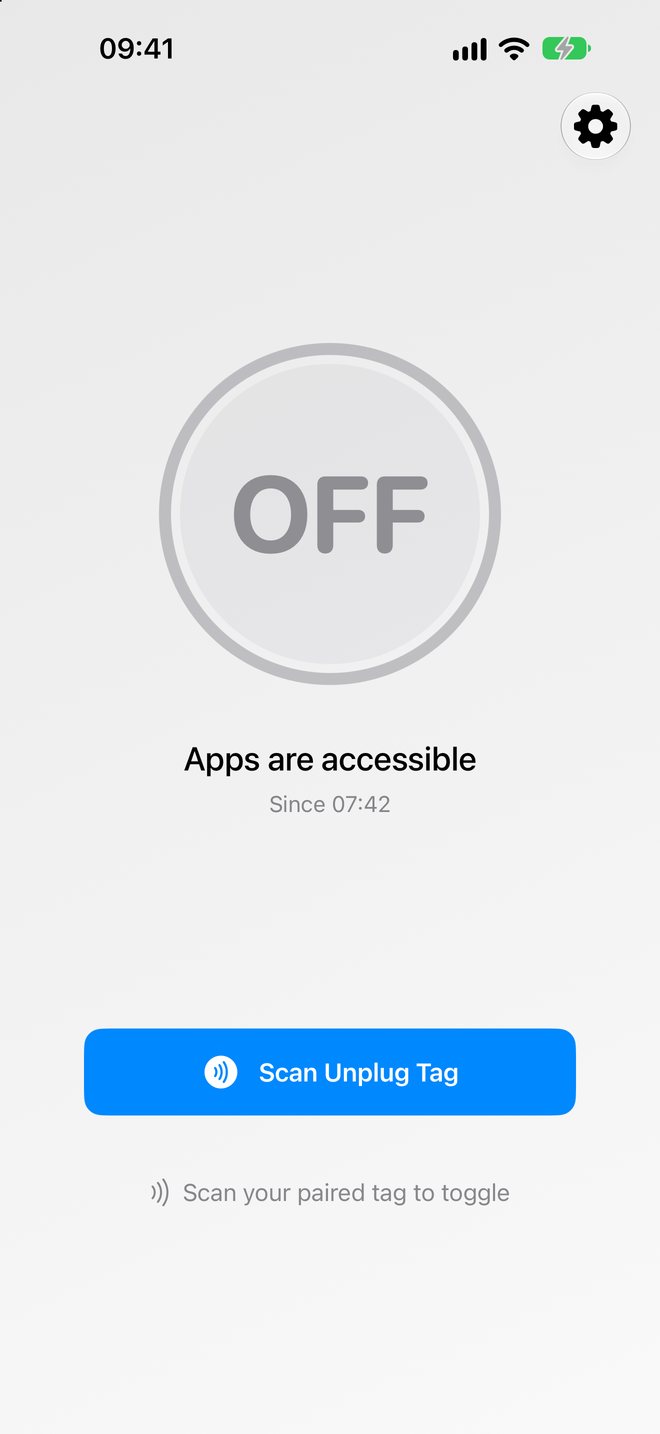
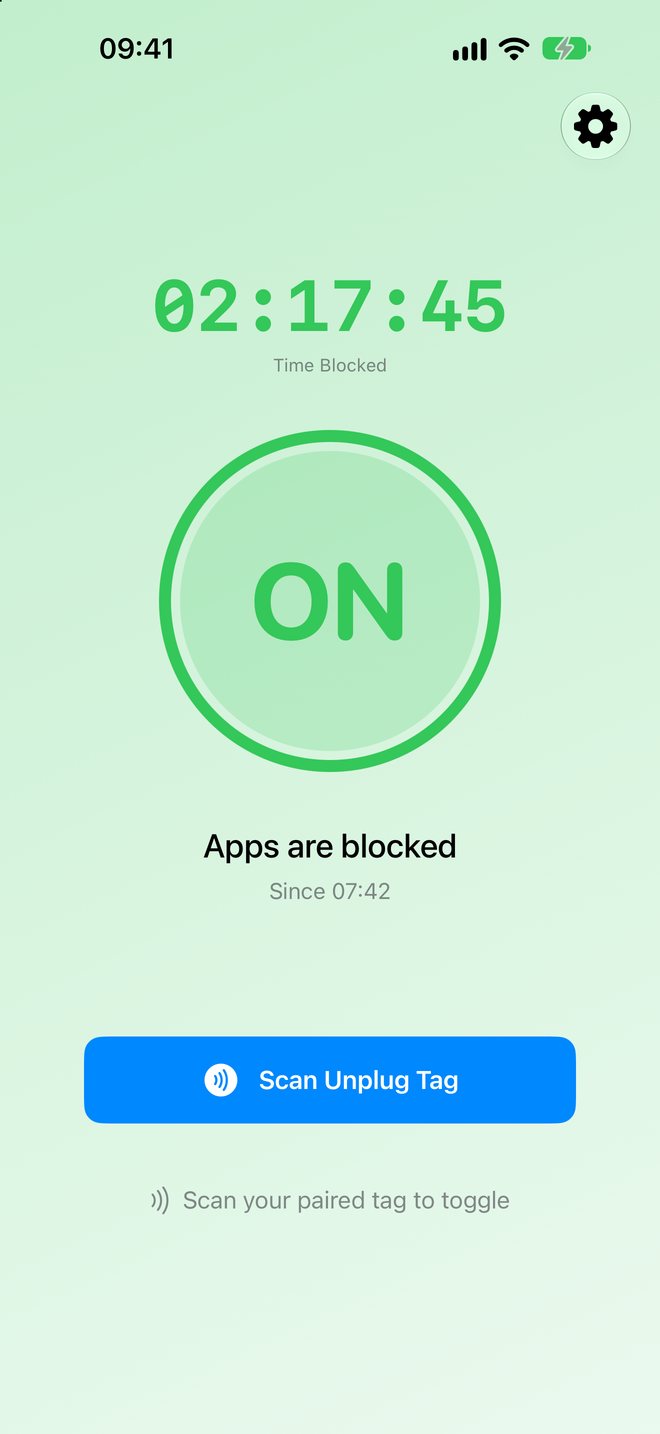
Tap the tag to turn blocking on, and tap it again to turn it off. A timer shows how long you’ve been unplugged.
This takes about two minutes. You need an iPhone XS or newer, a tag (see where to get one), and Screen Time turned on in Settings.
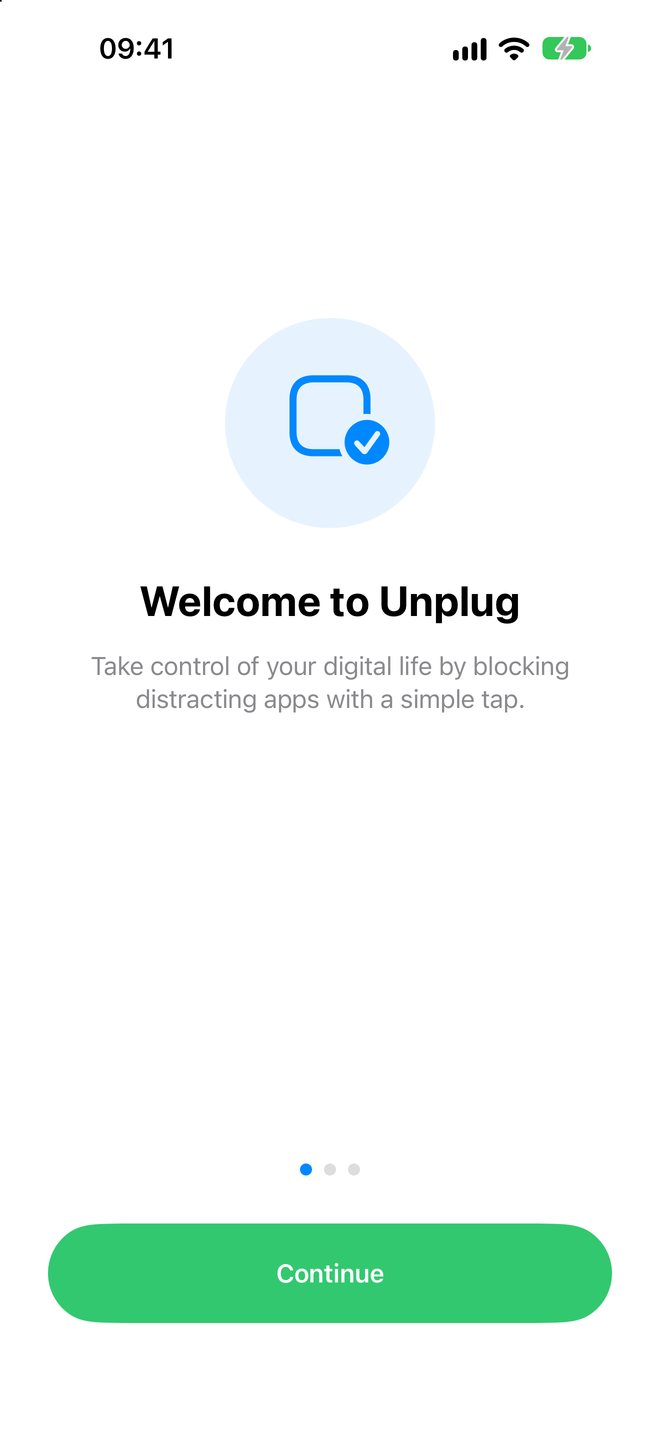
Open Unplug, move through the welcome screens, and tap Enable Screen Time Access. When iOS asks to let Unplug use Screen Time, choose Continue and confirm with Face ID or your passcode. Without this permission, iOS won’t let any app block other apps.
Leave out the apps you might need in a hurry, like Phone, Messages, and Maps. You can change the list any time.
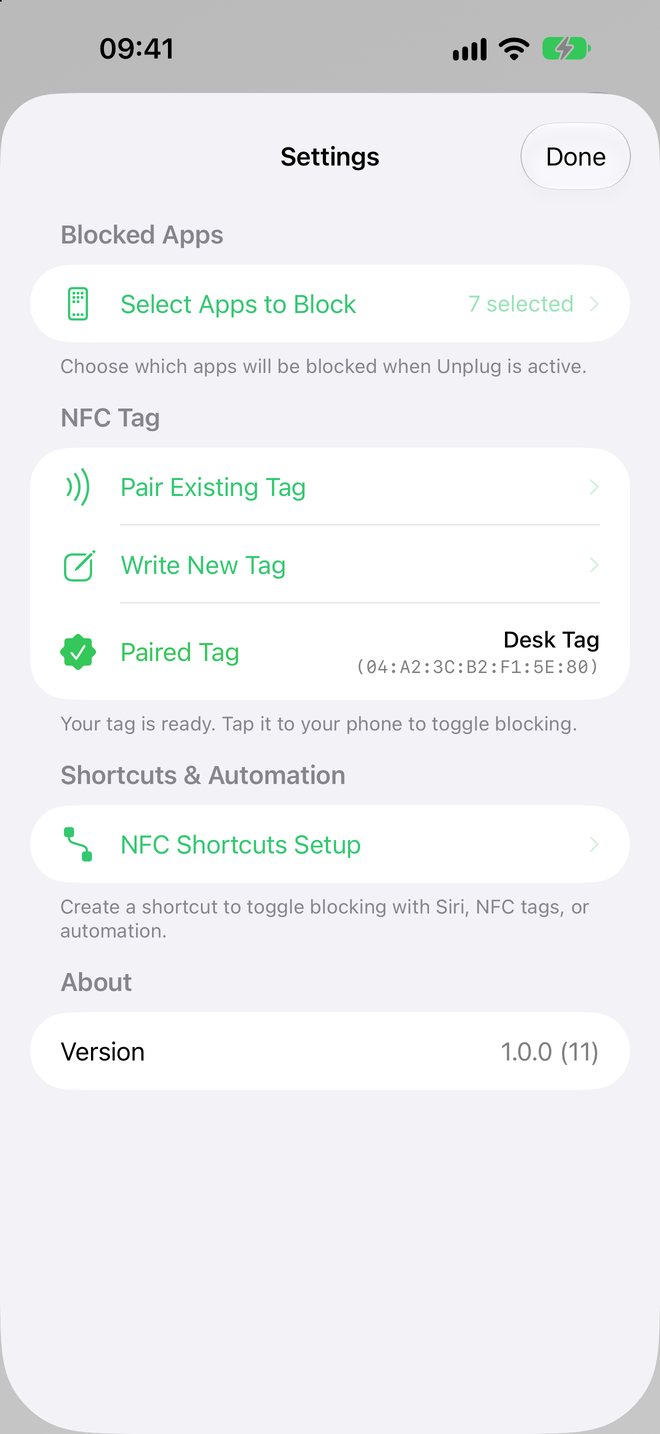
Unplug reads the tag’s built-in serial number, so any tag works out of the box and there’s nothing to program. If you want, Write New Tag also stores an Unplug label on the tag, which makes it easy to recognize later. Writing erases whatever was on the tag before.
Stick it where getting there takes a little effort: on your desk, beside the bed, on the fridge, or by the front door. If tapping it is a small chore, picking up your phone becomes a choice you actually make.
On metal surfaces, use an “anti-metal” or “on-metal” tag; ordinary stickers don’t read when they’re stuck directly onto metal. A phone case under 3 mm thick is fine.
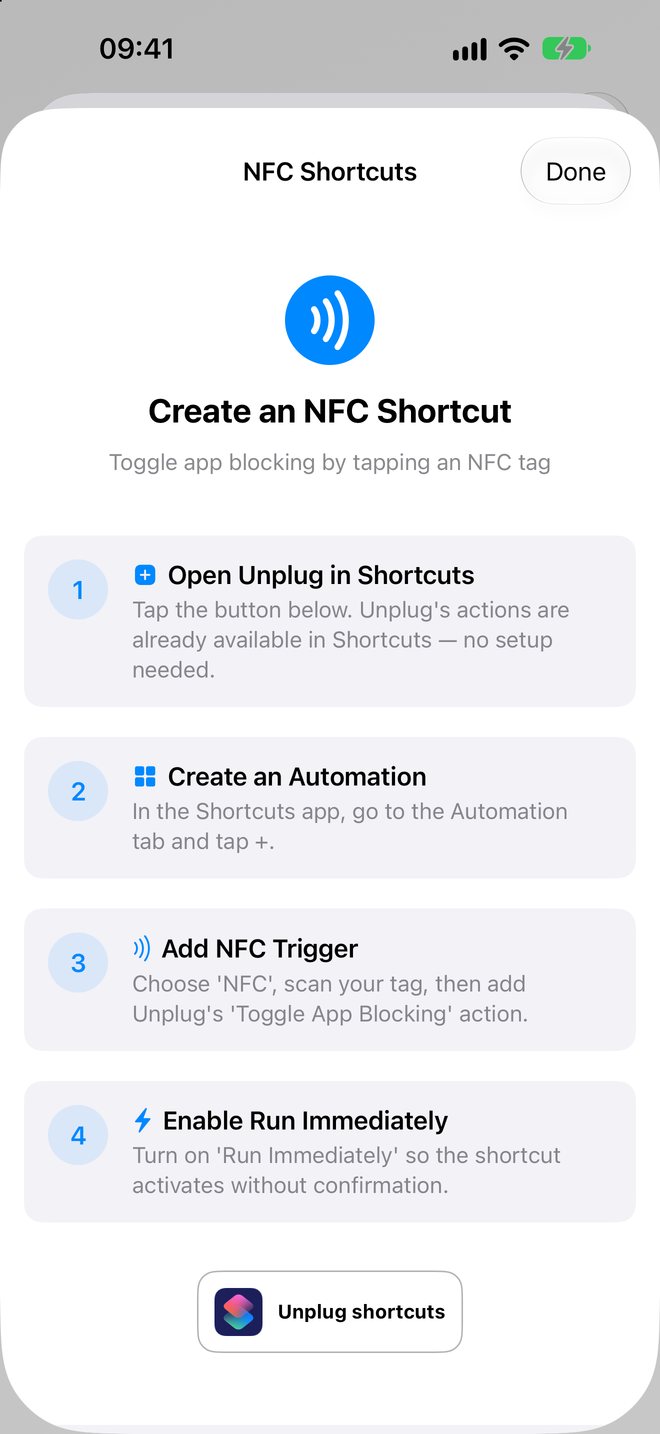
Open Unplug and tap Scan Unplug Tag, then hold your phone to the tag. If you want a tap to work without opening Unplug first, set up a Shortcuts automation:
iPhone reads NFC tags only when it’s unlocked. Siri works too: try “Toggle blocking in Unplug.”
Look for NTAG213, NTAG215, or NTAG216 (also sold as “NFC Type 2” or “ISO 14443-A”). They cost well under a dollar each and work with every iPhone from the XS on. Avoid tags sold only as “MIFARE Classic” or 125 kHz “RFID”; iPhone can’t read those.
The cheapest option. Stick one under a desk edge, inside a drawer, or in one of the 3D-printed holders below.
No sticker to place. Clip a fob to your keys, drop a card in a drawer, or put a stand on your desk.
Free models for 25 mm tags. Check each one’s license and print notes; some pause partway through the print so you can drop the tag in.
All our Amazon picks are NTAG215, which Unplug reads reliably. As an Amazon Associate, Seventeen Works earns from qualifying purchases; it doesn’t change the price you pay. The Etsy link opens a search. Community models belong to their designers; we don’t make or support them.
64 mm across and 9 mm tall. A 25 mm sticker or coin tag fits in a pocket underneath, with 1.2 mm of plastic above it. The ring on top shows where to tap.
Download STL · 125 KB ↓34 mm across and 4 mm thick, about the size of a large coin. Same 25 mm pocket, so it fits a sticker or a thin coin tag. Keep it in a bag or a drawer.
Download STL · 125 KB ↓After printing, pair the tag in Unplug, then press it into the pocket. A sticker stays put with its own adhesive; a coin tag needs a dot of glue. A small rubber foot over the pocket keeps the puck from sliding around. Metallic, carbon-fiber, and other conductive filaments block NFC, so avoid them. Both files are free for personal use.
Yes. Only the apps, categories, and websites you picked are blocked. Calls, messages, and everything else keep working. When you open a blocked app, iOS shows a Screen Time screen in its place.
Turning blocking off doesn’t need the tag. Run the Toggle App Blocking action from Shortcuts or ask Siri. To use a new tag, pair it in Settings; it replaces the old one.
Unplug works with one paired tag at a time. You can set up Shortcuts automations for other tags that run the same Toggle App Blocking action.
The download is free, and so are choosing apps and pairing a tag. Turning blocking on needs Unplug Pro: $4.99 a year in the US, with the first 3 months free for new subscribers. Turning blocking off always works, even if your subscription ends, so you can never get stuck with apps locked. Cancel anytime in your Apple Account settings.
No. iPad doesn’t have an NFC reader, so Unplug is iPhone-only.
Apple only lets an app block other apps through Screen Time’s Family Controls. The permission covers your own device, and iOS gives Unplug only opaque tokens for the apps you choose, never their names or your usage.
Unplug has no account, no analytics, and no servers. Your app choices and your tag’s serial number stay on your phone, and the app never sees which apps you picked. Blocking is done by iOS itself.
Read the privacy policy, visit support, or write to hello@seventeenworks.com.